Guides
stream-proof overlays
Stream-proof overlays stay on your monitor and drop out of many software captures. You still see ESP. The clip often does not.
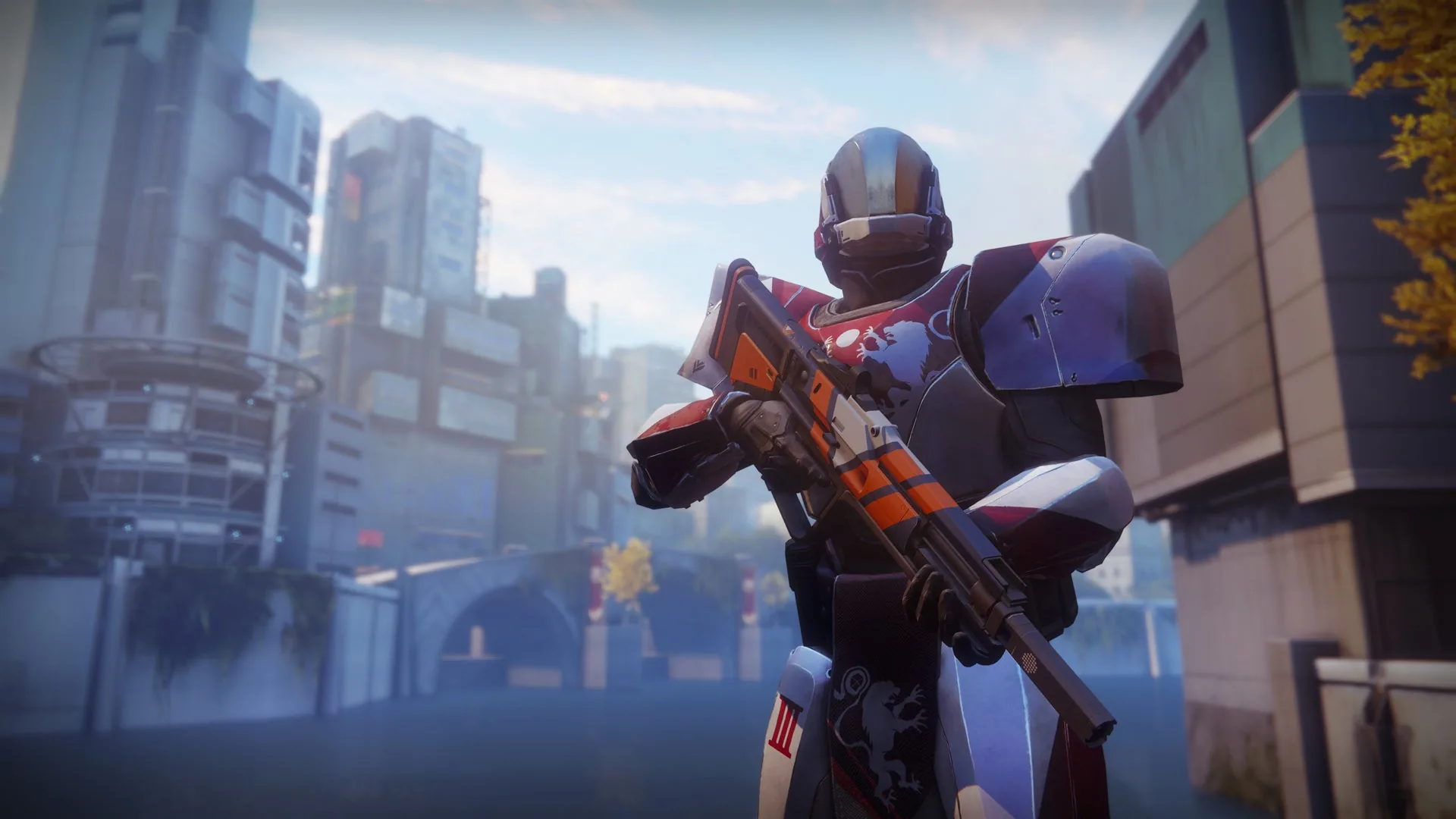
What stream-proof actually hides
Windows can keep a window on your screen and leave it out of some capture APIs. OBS, Discord screen share, Xbox Game Bar, and many clip tools ask Windows for a frame. A flagged overlay never makes that frame.
That is the job. It is not invisibility. A phone pointed at the monitor still sees boxes. An HDMI capture card that reads the display output can still see them.
NVIDIA ShadowPlay and some GPU recorders sit closer to the display buffer. Treat those as leaky until you test a five-second clip on your own PC.
OBS and Discord in practice
OBS Game Capture hooks the Destiny 2 process. If the overlay is a separate window, Game Capture often misses it even without extra flags. Display Capture is the mode that used to leak menus. Stream-proof is built for that path.
Always test. Record ten seconds with ESP on. Watch the file, not the live preview. Discord share the same way. If boxes show up, stay on Game Capture or skip the overlay for that session.
Co-streams and raid VODs are where people get caught. Leave stream-proof on as a default in the mod menu.
Use it with the rest of the kit
Creators who run destiny 2 cheats still need small ESP and a tight aim FOV. Stream-proof hides the menu. It does not hide a wild snap in the game world.
Pair it with ESP and aimbot. Check Status after patches. A rebuild can reset the stream-proof toggle. Turn it back on before you go live.
FAQ
Does stream-proof beat a capture card?
No. A capture card reads the monitor output. Software flags do not apply. Use Game Capture on the same PC, or play without overlay on the recorded machine.
Will BattlEye screenshots still see ESP?
Stream-proof targets clip and share tools. Anti-cheat capture is a different path. Keep boxes modest and check Status. Do not assume a flag covers every screenshot method.
Should I use Display Capture in OBS?
Prefer Game Capture for Destiny 2. If you must use Display Capture, test with stream-proof on. If the menu still appears, do not stream that scene.
Does stream-proof hide aimbot snaps in-game?
No. Viewers still see your reticle and your movement. Hide the overlay. Keep FOV small so the gunplay looks human.
PC only?
Yes. Windows PC overlays. Consoles have no stream-proof menu here.